How to change an instructor in a class or session
In Zooza, you can change an instructor either at the class level or directly on sessions, depending on what you need.
Changing an instructor at the class level
- Open the Class you want to update.
- Find the Instructor setting.
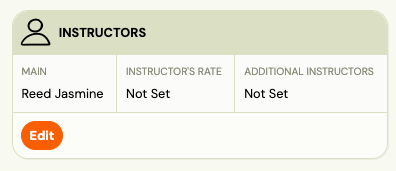
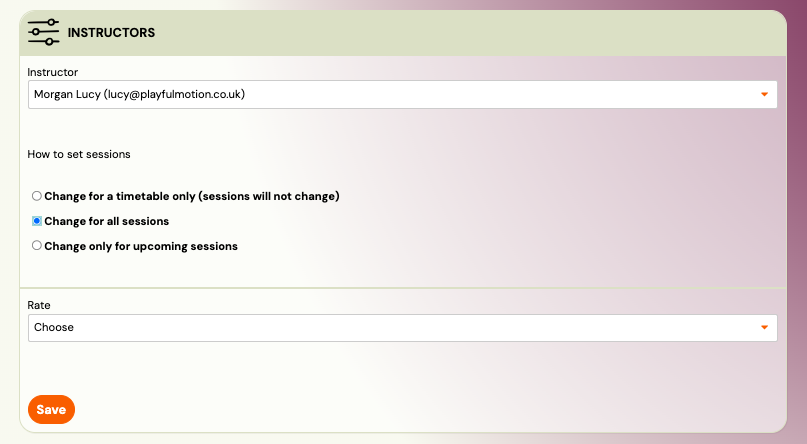
- Select a different instructor.
- Choose whether the change should apply to: All sessions, or
- Only upcoming sessions.
This sets the main (responsible) instructor for the class. Past sessions are not affected.
Changing an instructor for specific sessions
If you need to change the instructor only for selected sessions:
- Go to Sessions.
- Use filters (for example by date, class, or location).
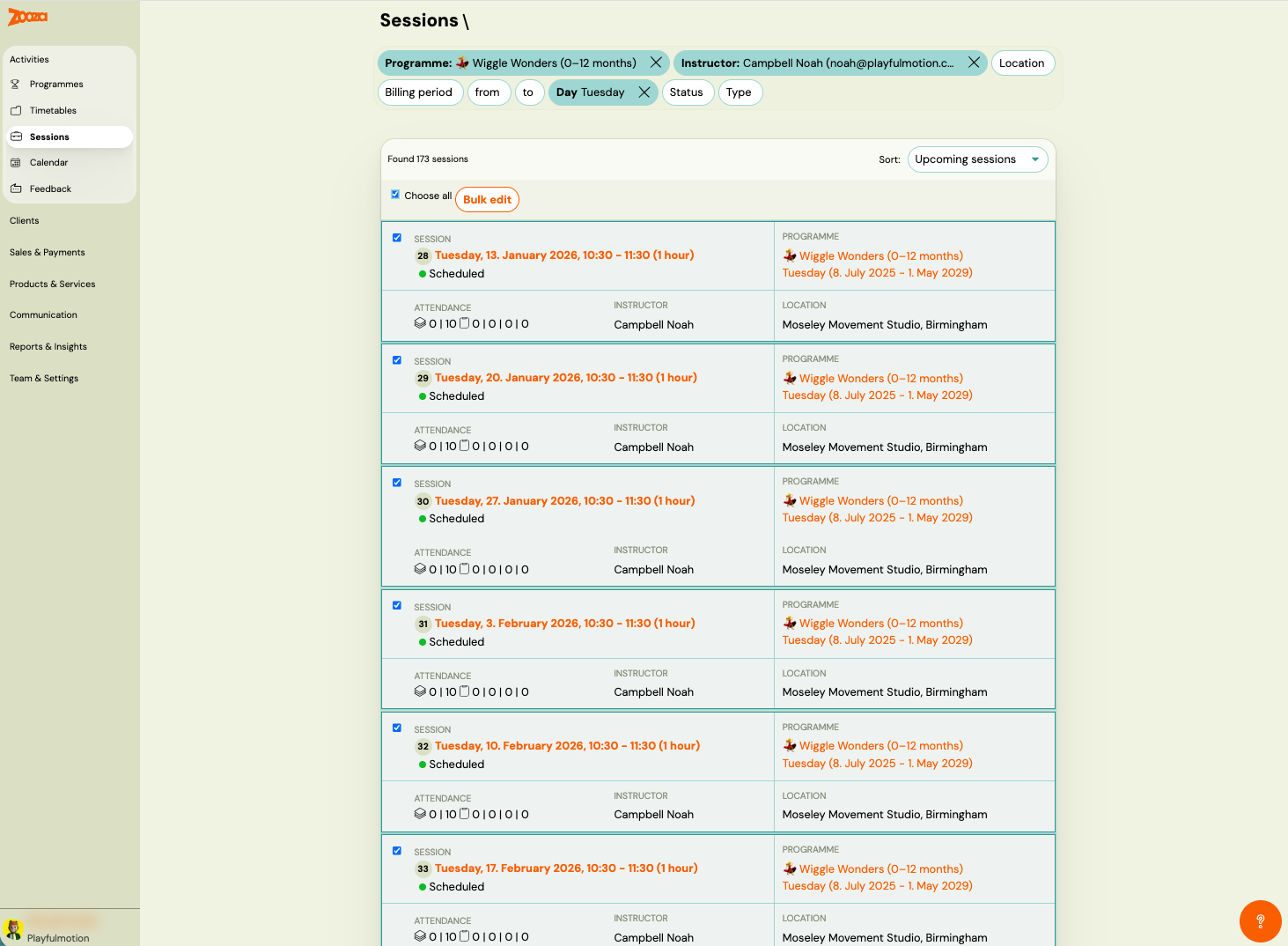
- Select one or more sessions.
- Use Bulk actions and choose Change instructor.
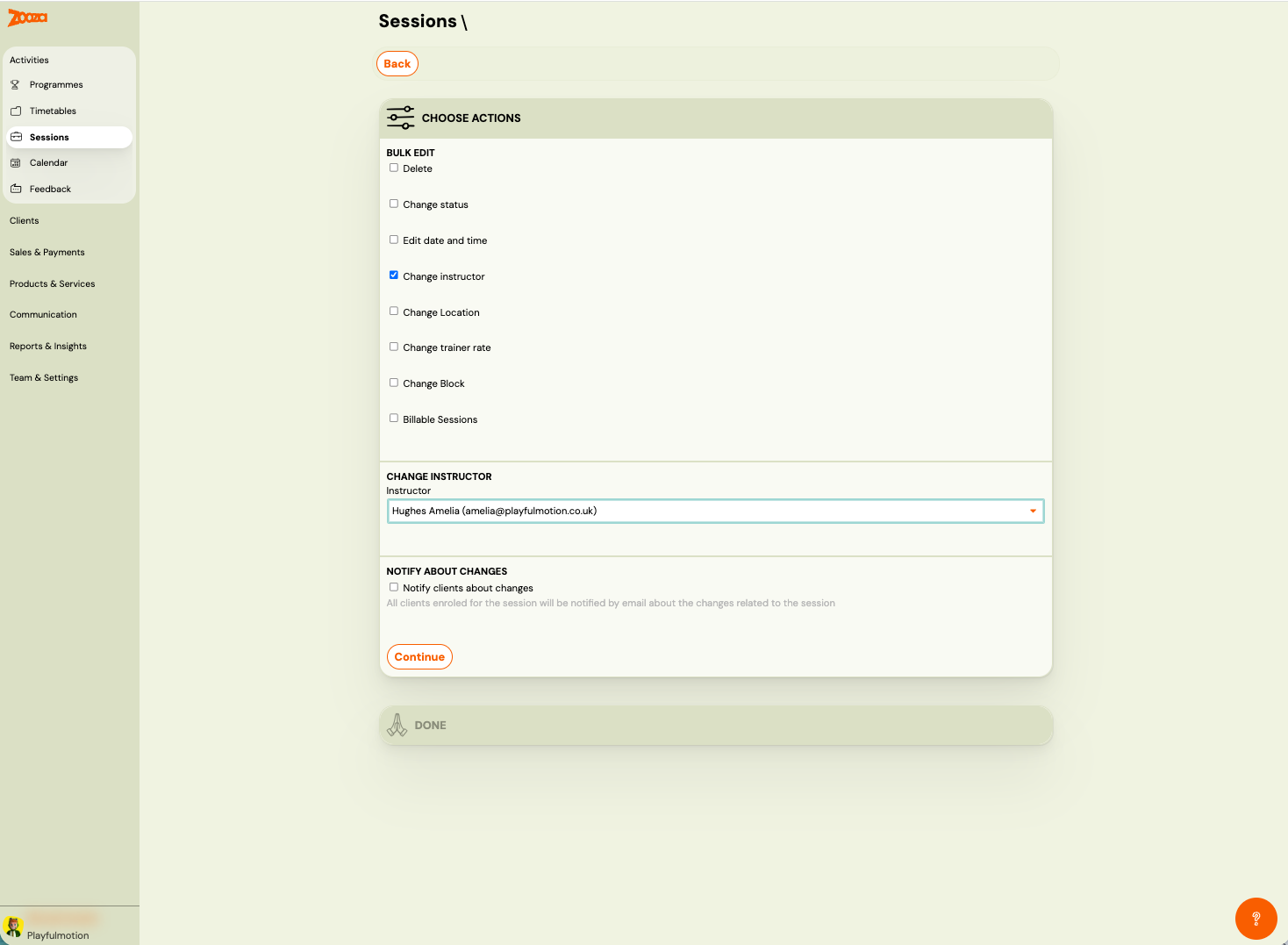
This is useful when covering a specific day, substitution, or temporary change.
What updates automatically
After the change, the new instructor is automatically updated in:
- the instructor’s calendar,
- reports,
- and session reminders and notifications.
No extra steps are needed.