Notifications Center
The Notification Center is used to notify you as an administrator or your colleagues.
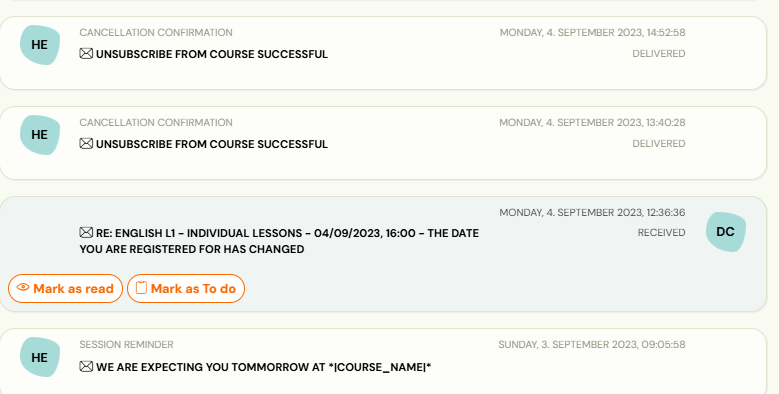
List of notifications you can have sent to you:
Set up notifications
-
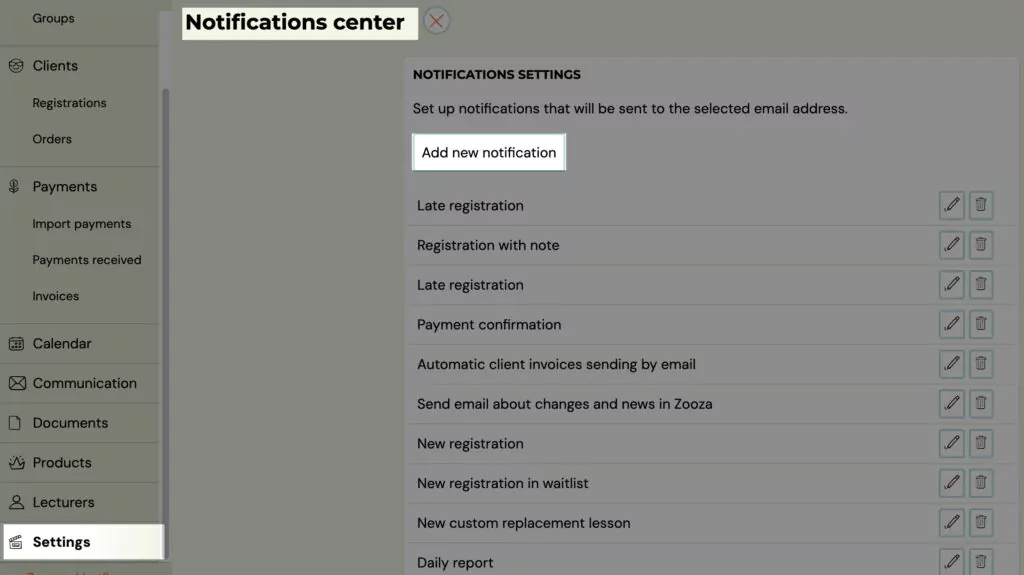
In the Settings category, click Notifications and click on *Add new notification
-
Select the type of notification from the list and type the email you want it to be sent to
-
Confirm your choice by clicking the Create Notification button
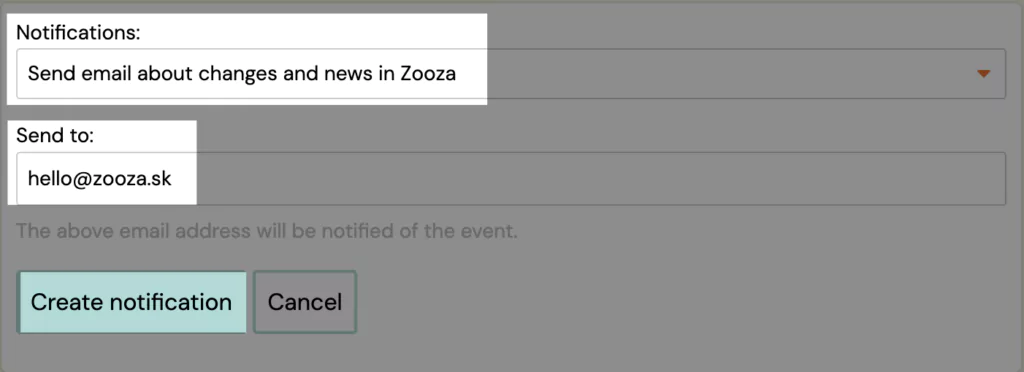

Note: Only one email address can be entered per notification. For the next email you need to create a new notification.