Discount code
A discount code is one of the types of client discounts you will find within the app. Typical use is within campaigns or collaborations, where you generate a code with a certain name and setting and those clients who know it can use it.
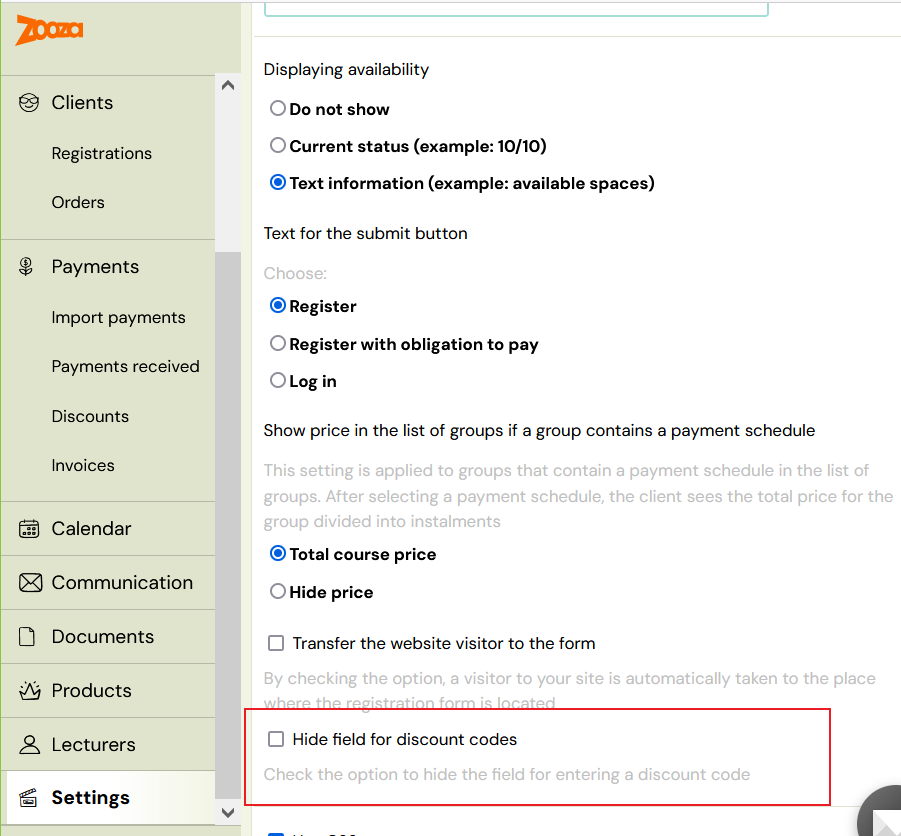
Note: The discount can only be applied to programmes by entering the code in the booking form. In order for clients to be able to enter the code, you must enable the Discount field in the main settings under Booking Forms – Booking Form.
Creating a discount code
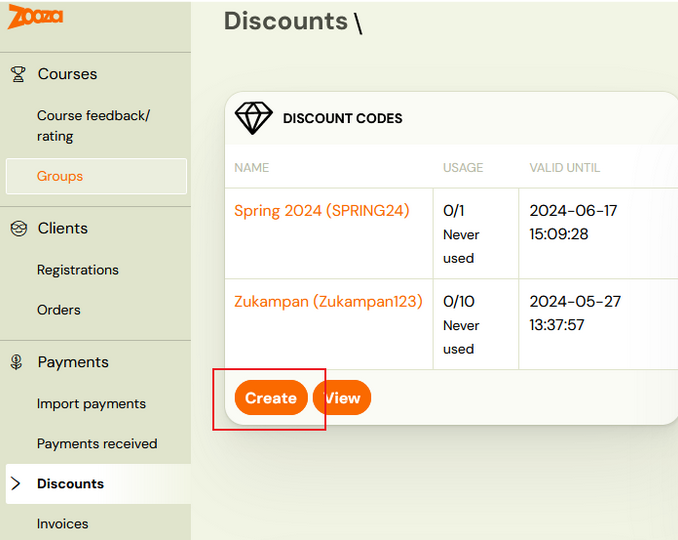
- In the Payments category, click on the Discounts section
- In the Discount Code section, click on the Create button
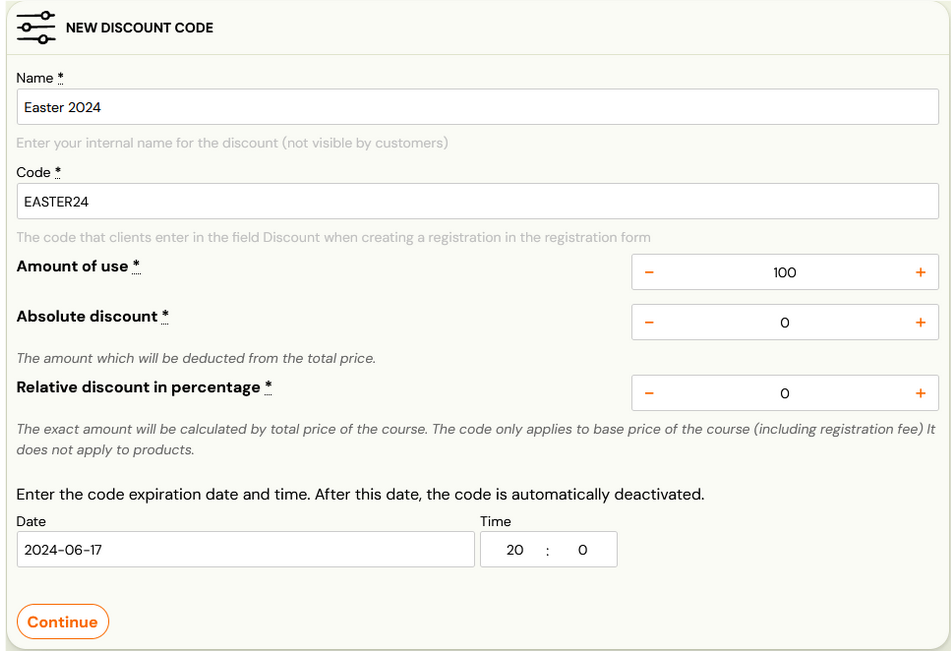
- Enter:
- name under which you will register it in the application
- code that you will provide to your clients, which they will enter into the booking form
- the number of uses of the code if you want to limit the number of uses. In case you do not want to limit the code to the number of uses, leave the setting to 0.
- discount amount
- absolute
- percentage - in this case you have the option to set a limit, which is applied as the maximum value of the discount granted
- code validity
Set the conditions where the code can be applied by clicking the Change button
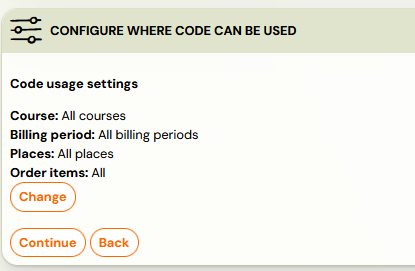
You can apply the code in:
- Programmes
- Billing periods
- Locations
- Products
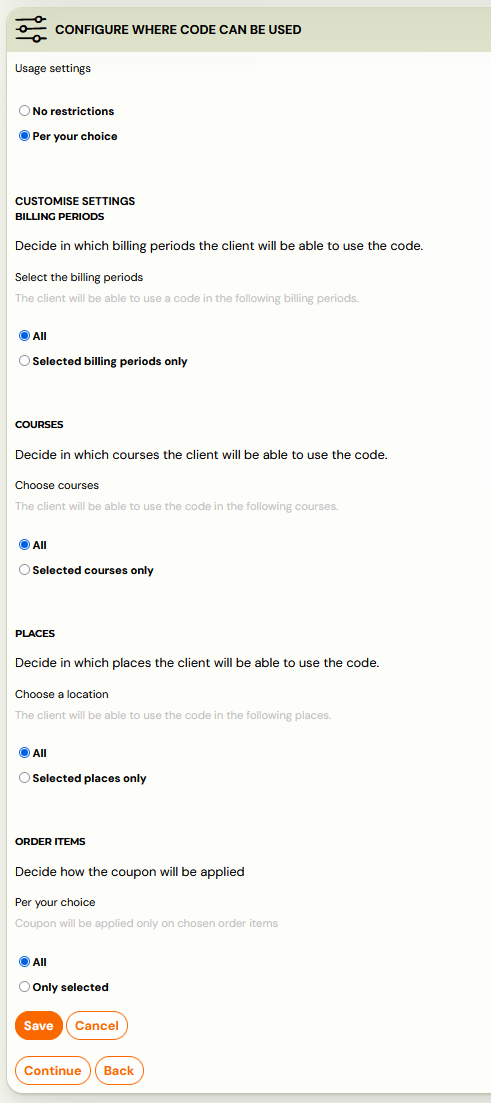
Attention! Remember to save your choice before proceeding to the next step.
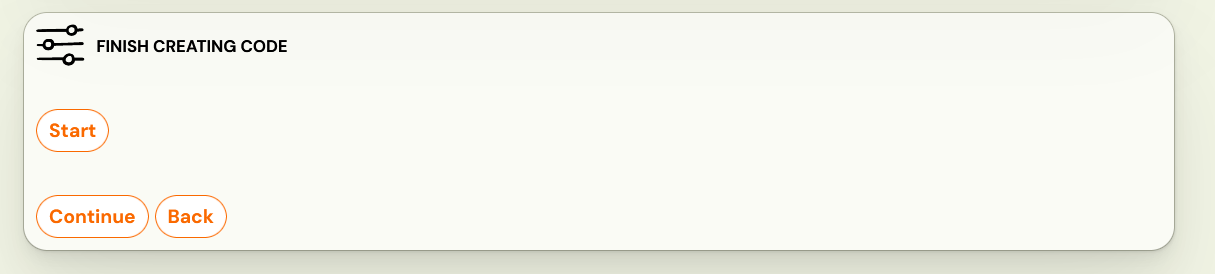
To finish creating the code, press Start to confirm your settings.
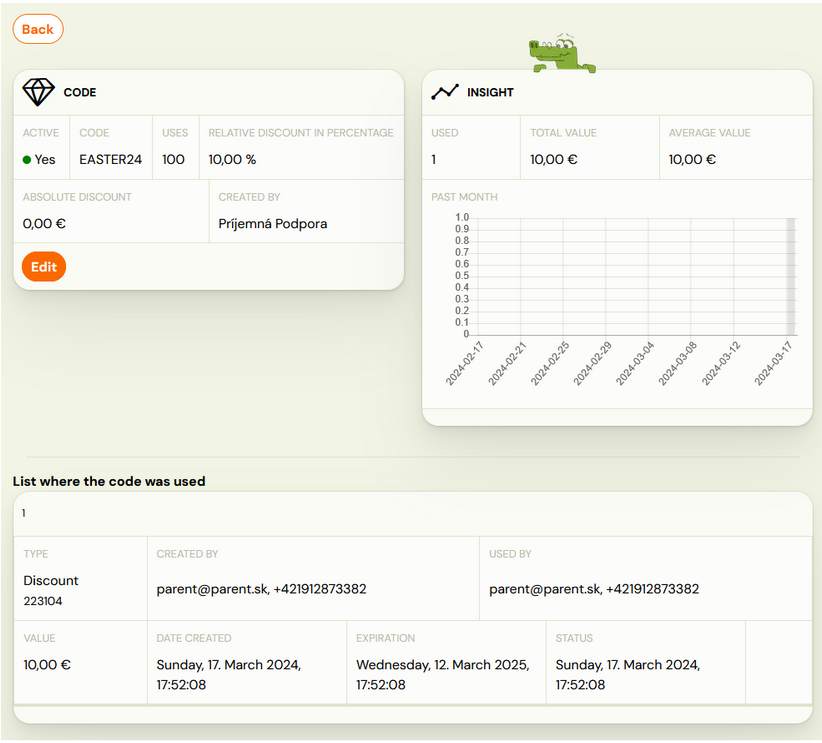
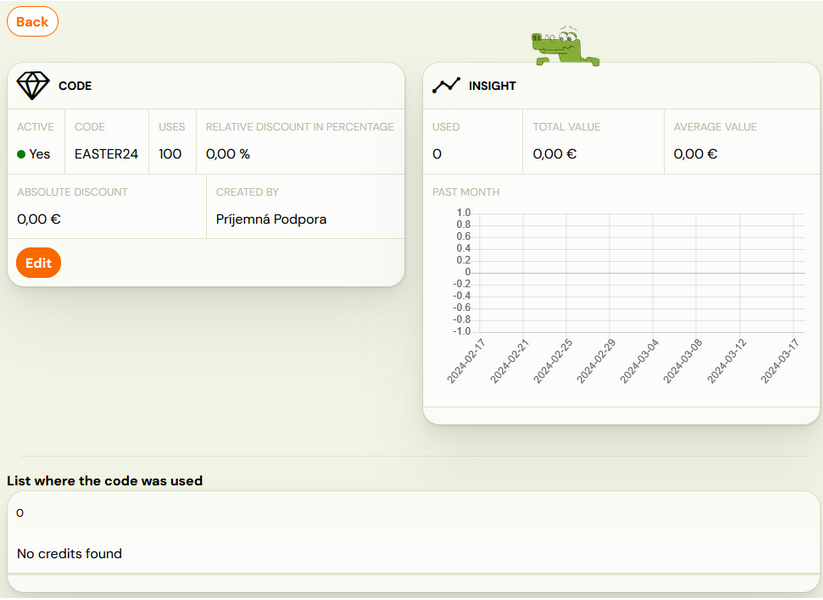
In the next step, Zooza will allow you to look at the created code as a whole, where you will see basic information as well as a graph of usage or number of uses. In this section you have the option to change the code if you decide to use different settings.
Client use of discount code
The discount code can only be applied through the booking form located on your website. The client simply applies the code at booking by entering it and can immediately check the amount of the discount you have given them.
Note: The discount code cannot be used in the product form, the discount is only valid for programme booking, it does not affect products.
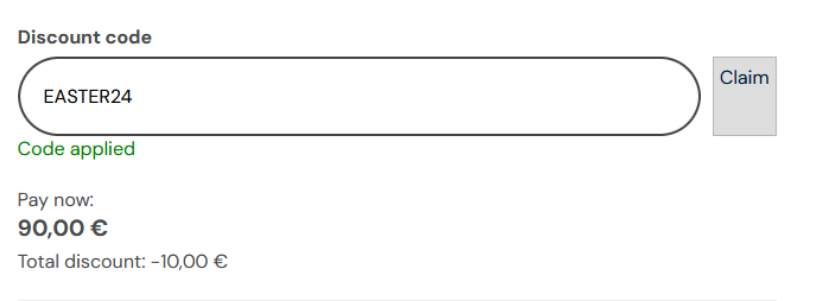
Where can I see the discount code in Zooza?
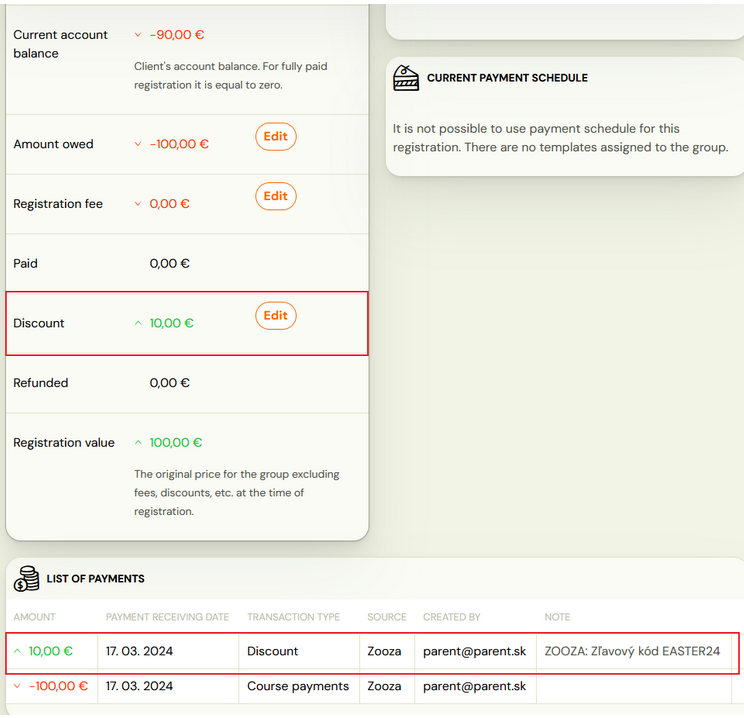
- Booking level
- In a specific client booking in Payments section
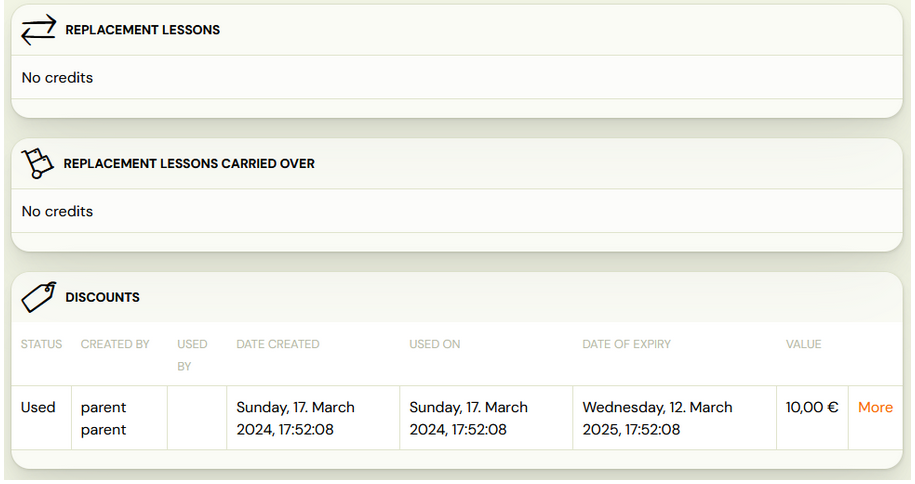
- In Credits and make-up sessions section – when you click on the More button, you will see the name of the code applied at booking.
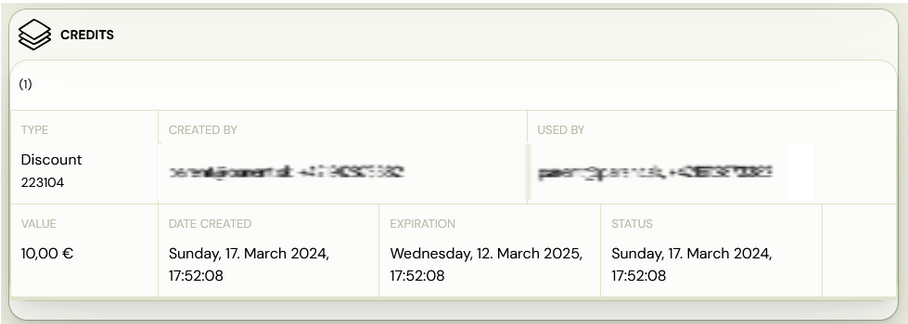
Client level
- At the bottom of the client overview, you have the option to see all the credits associated with the client. One of the entries is also a discount code that will appear after a client registered for a programme.
Discount level
- In the Payments category of the Discounts section, you have a view of the code redemption in its summary – when and where it was redeemed, how many codes were redeemed, and at what value.
- In order to see the discount code overview click on the name of the discount code:
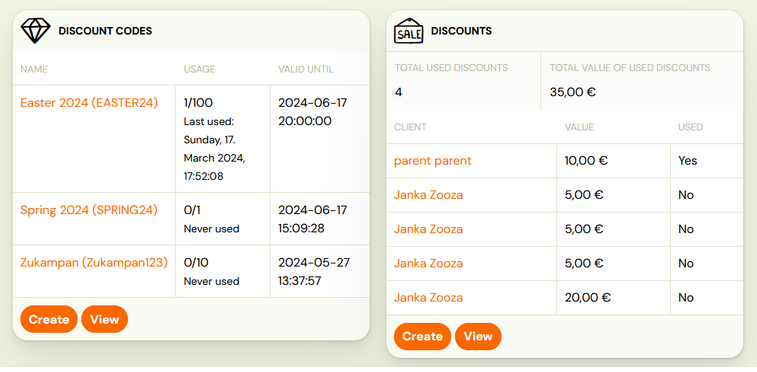
- You will then see a detailed code report – setup detail, insight graph and list where the code was used.