ABRA Flexi Integration
ABRA Flexi (formerly FlexiBee) is a Czech ERP and accounting system. When connected, Zooza creates invoices directly in your ABRA Flexi instance.
Market: Czech Republic / Slovakia Setup effort: Username + password + server URL + company database name
Before you start
You need an active ABRA Flexi instance with your credentials. The server URL must point to your production instance — not the demo server.
Important: ABRA Flexi defaults to a demo server URL (
demo.flexibee.eu). You must change this to your own production server URL, otherwise invoices are created in the demo environment.
Setup
-
Go to Settings → Billing and open your Invoice Profile.
-
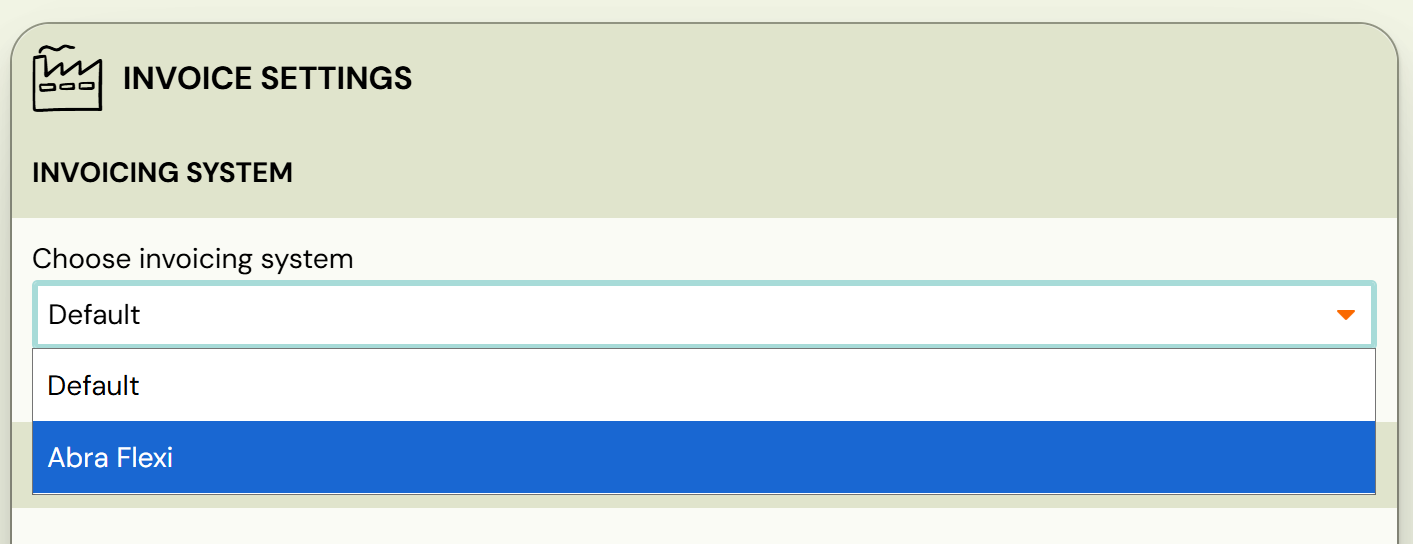
In the Invoice Engine section, select ABRA Flexi.
-
The ABRA Flexi Settings section appears. Fill in your credentials:
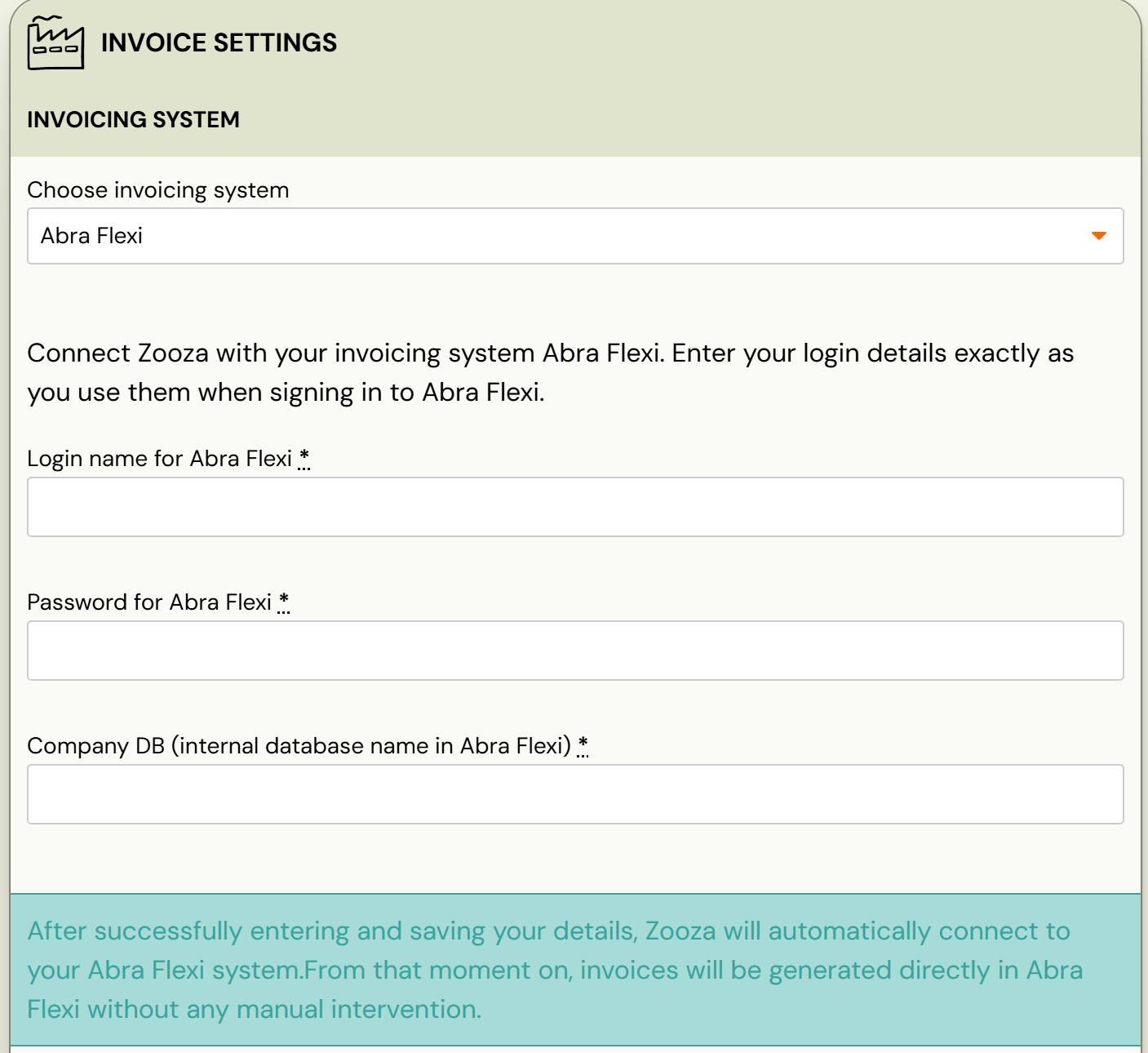
Field Where to find it UsernameABRA Flexi → Settings → User Profile PasswordABRA Flexi → Settings → User Profile Server URLThe address of your ABRA Flexi instance Company DBLast segment of the URL in your browser — e.g. https://your-server.eu/flexi/**demo_sk**→ Company DB isdemo_sk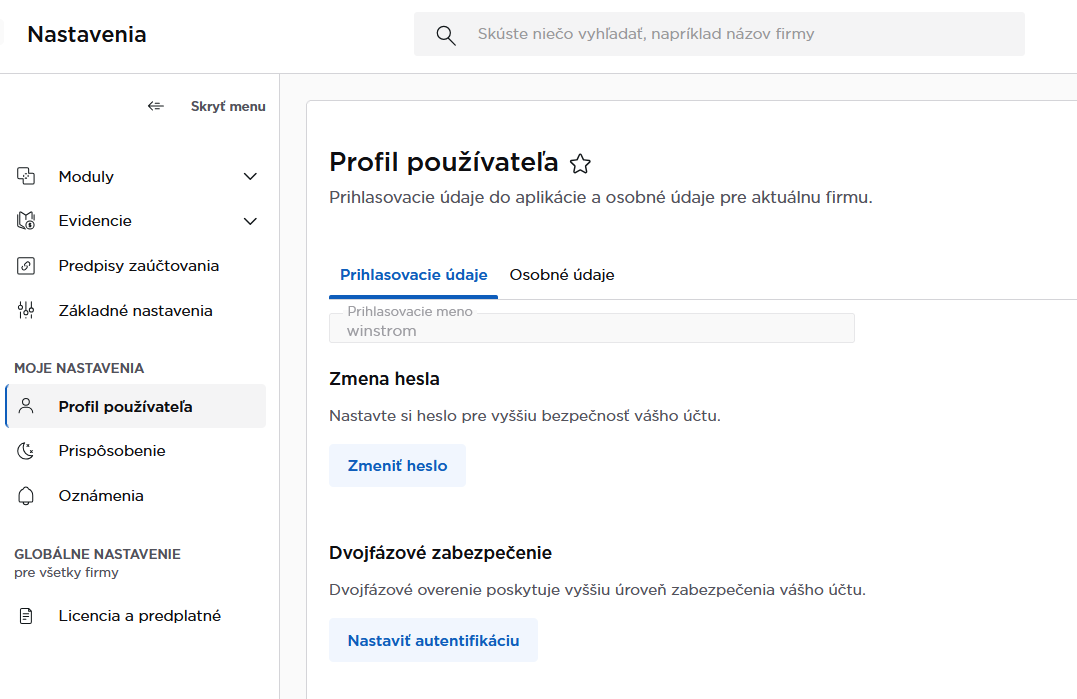
-
Optionally set Cost Centre (
Středisko) and Activity (Činnost) at the profile level. -
Click Save.
How invoices work
Once connected:
- Every time a payment is recorded in Zooza, Zooza looks up the customer in ABRA Flexi by email, then by name. If not found, Zooza creates the customer automatically.
- The invoice is created with all line items, optionally tagged with cost centre and activity codes.
- Invoice numbering is managed by Zooza.
- PDF is available for download after creation.
- Changes made in ABRA Flexi are not synced back to Zooza. Zooza always shows the original version.
Cost centre and activity codes (multi-line)
When multi-line invoices are enabled, you can map each transaction type to a specific středisko (cost centre) and činnost (activity code) in ABRA Flexi. This enables cost allocation — for example, course payments tracked under one cost centre, registration fees under another.
Configure transaction type mappings in the Invoice Line Types section of the Invoice Profile. See Billing and invoicing — Multi-line invoices.
What works and what doesn't
| Feature | Status |
|---|---|
| Invoice creation | ✓ Automatic |
| Customer management | ✓ Automatic (create if not found) |
| PDF generation | ✓ Available after creation |
| Cost centre / activity mapping | ✓ With multi-line enabled |
| Credit notes | ✗ Not supported — issue in ABRA Flexi directly |
| Editing invoices after creation | Edit in ABRA Flexi — changes sync back to Zooza only after a manual refresh |
Known issues
Demo server — The server URL defaults to a demo instance. Change it to your production server URL before saving, otherwise invoices are not real.
One database per account — You can connect only one ABRA Flexi company database per Zooza account.
Related
- Invoicing overview — how invoice engines work
- Billing and invoicing — Invoice Profiles, auto/manual generation, multi-line
- VAT management — configuring VAT rates