Data correction or change client's data
There are two ways to change the details of a client or booking.
- Data correction of client's data
- Client change/booking change
Data correction of client's data
If you request a data change at the client level, this will also change the data on all bookings that the client has created with you. For example, if you request a name change, it will change on all bookings. This change is made directly in the client card.
Changing the client’s details is done via a request that you send to us via the app. You are always informed by notification e-mail about the creation as well as about the approval or rejection of your request.
Why was the application rejected?
We may reject your application for two reasons:
- the form sent out contains data that is incorrect (with errors)
- if it is a bulk overwrite of a client’s booking
Data correction
-
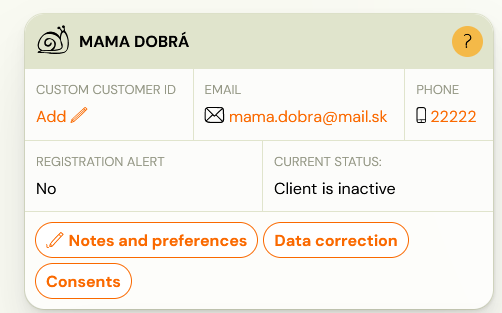
The client data change request must be completed at the client level by clicking on the Data correction button.
-
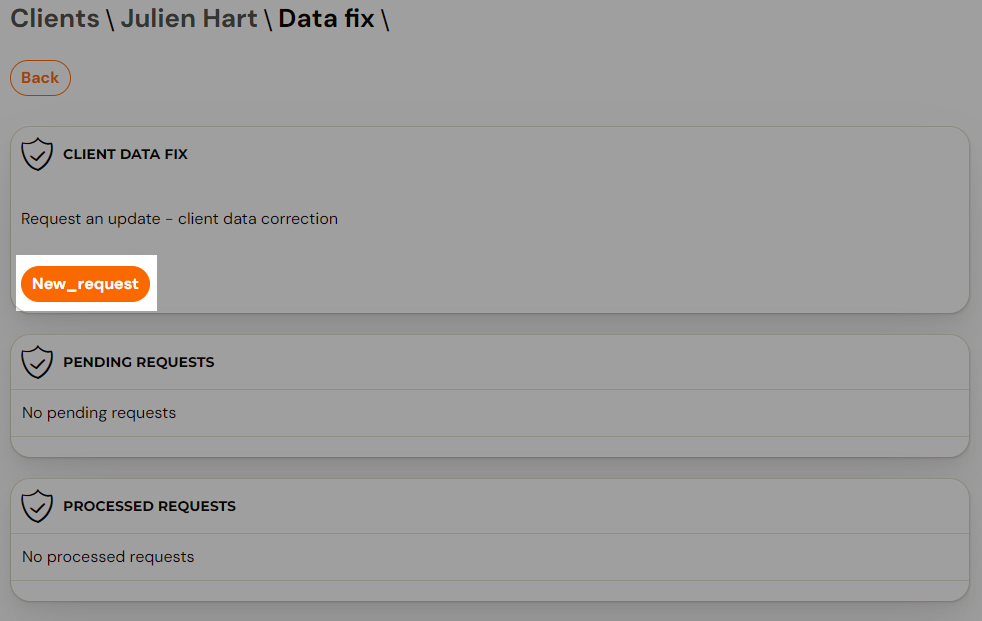
You will then be presented with a screen that allows you to enter a new request, as well as an overview of all pending requests.
-
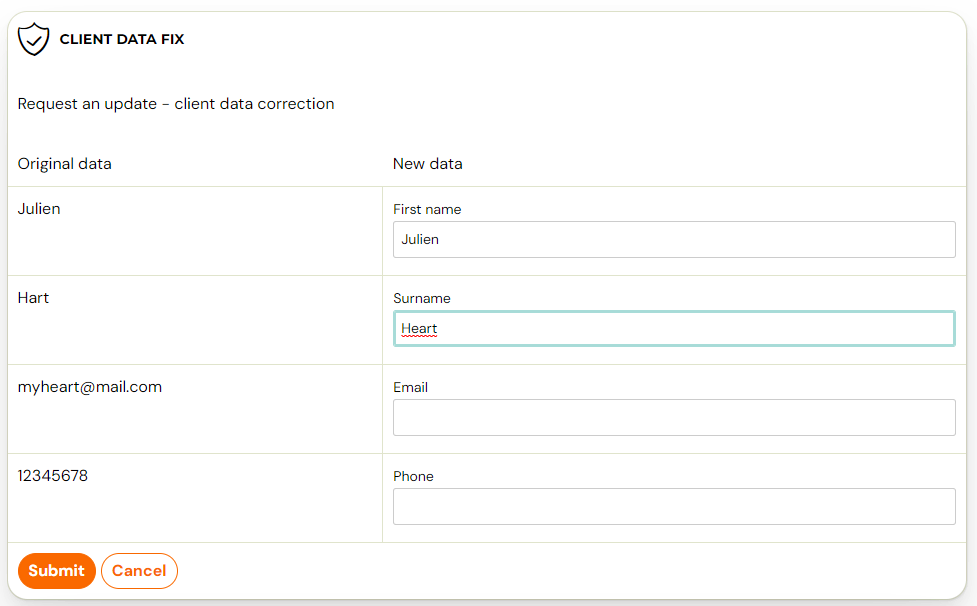
To create a new request, click on the New Request button and fill in the form.
-
Once you have filled in the required details to make the change, just click the Submit button. You can then find your requests in the application list and just wait for them to be processed. Changes to a client’s details usually occur within 2 days of the request being made.
Client change/booking change
Changing a client, or in other words overwriting a booking, may at first glance appear to be the same as changing a client’s details. But it’s the opposite, in the sense that when you change the client, you’re just overwriting the booking under a different client than the one that was originally created. Thus, it is not a change of data on all its bookings, but only an overwriting of one booking.

The only condition of the override is that the client you wish to overwrite must be enroled as a client and thus have another booking of any/all status.
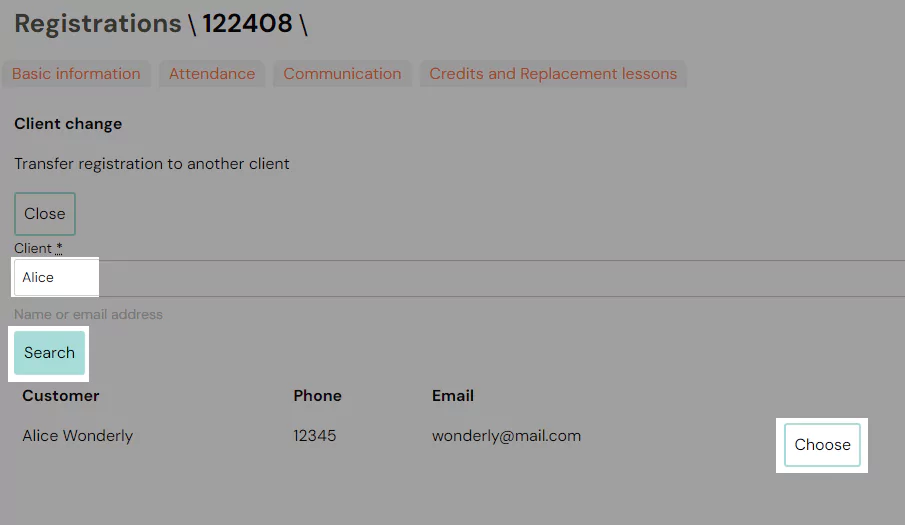
- To change the booking to a another client, click the Change Client button in the booking details.
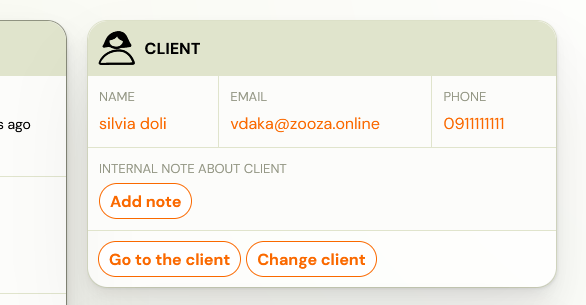
- In the Client field, enter the email or name of the client to whom you want to overwrite the booking and click the Search button followed by Select.