SmartBill Integration
SmartBill is a Romanian cloud invoicing platform. When connected, Zooza creates invoices directly in your SmartBill account.
Market: Romania Setup effort: Email + API token + CIF (Romanian tax ID)
Before you start
You need an active SmartBill account. The CIF (Romanian fiscal identification number) you enter in Zooza must match your SmartBill account exactly.
Setup
-
Go to Settings → Billing & Payments and open your Invoice Profile.
-
In the Invoice Engine section, select SmartBill.
-
Enter your credentials:
Field Where to find it EmailYour SmartBill account email API TokenSmartBill → My Account → Integrations → API CIFYour Romanian tax identification number Invoice SeriesOptional — controls invoice numbering; set in SmartBill 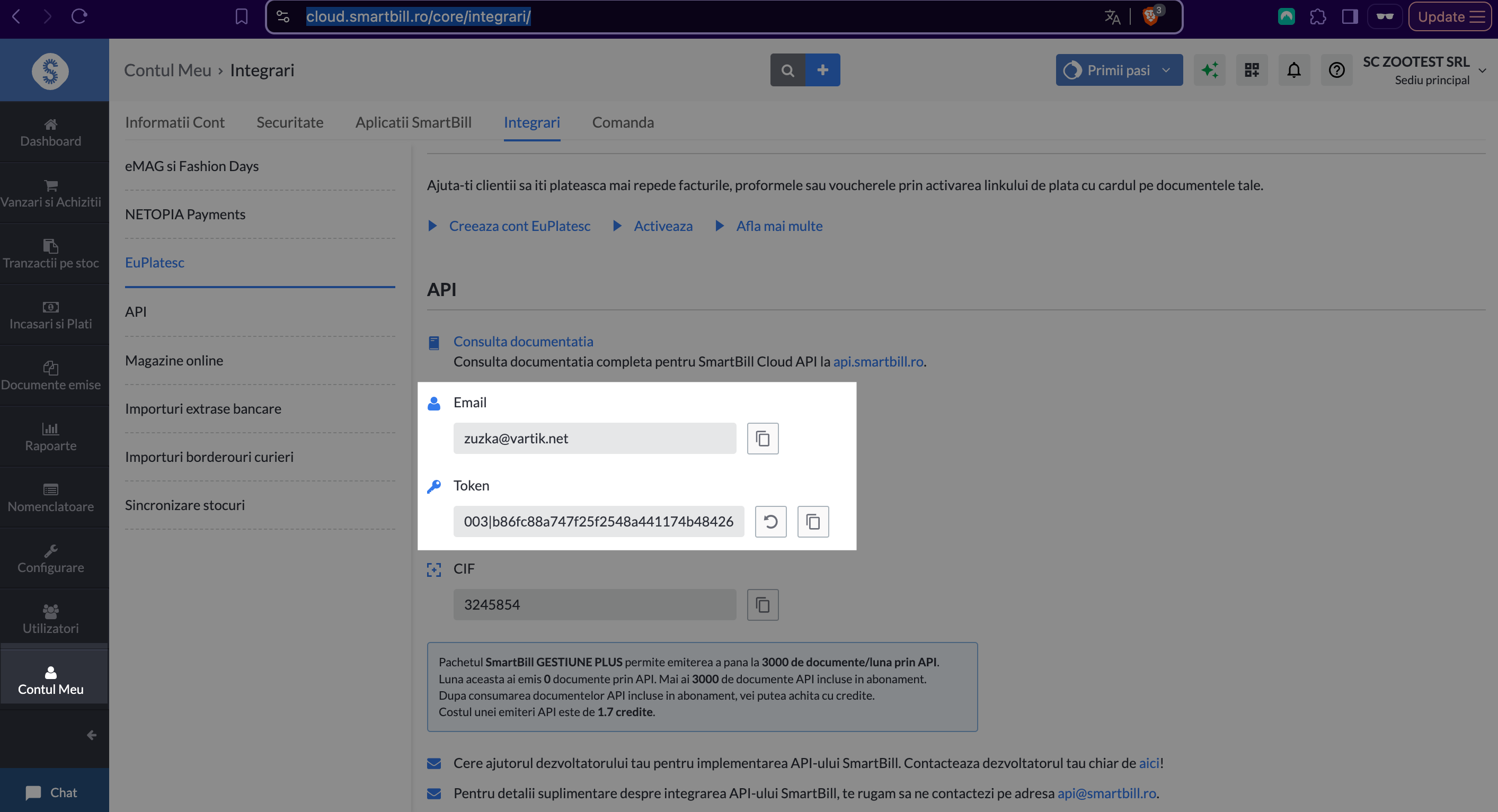
-
Click Save.
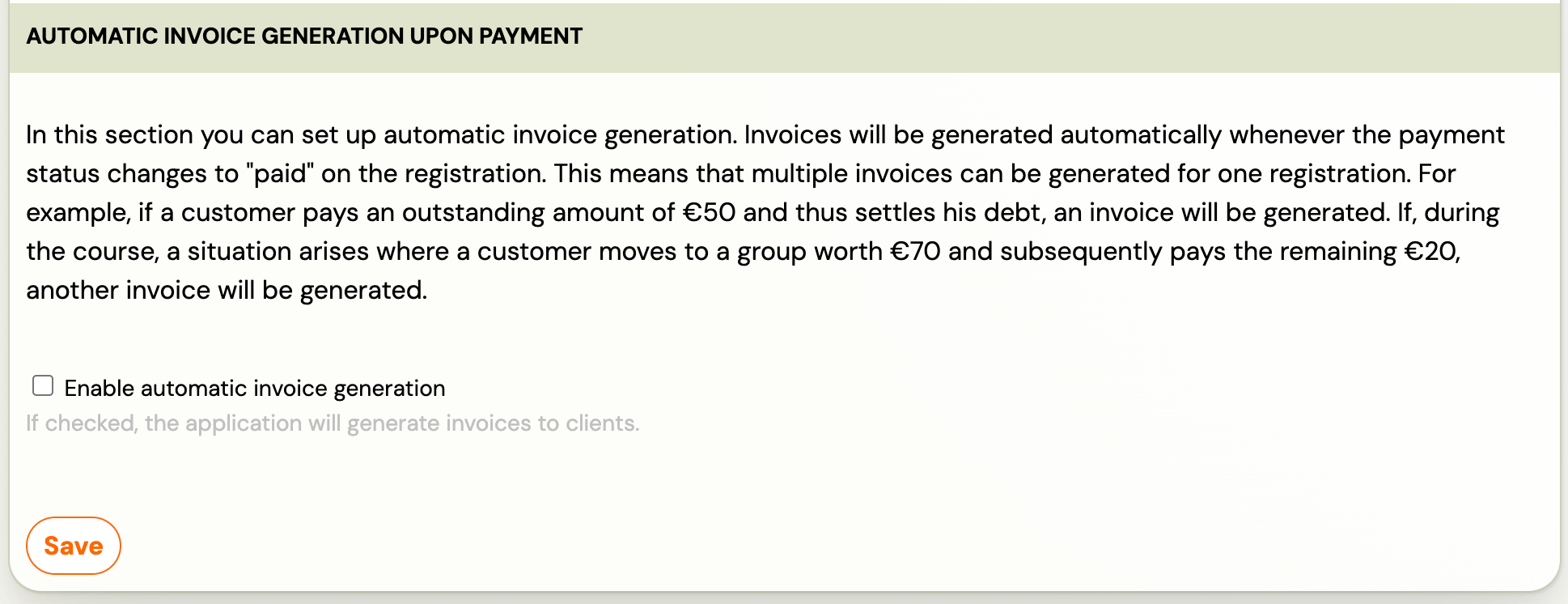
How invoices work
Once connected:
- Every time a payment is recorded in Zooza, an invoice is created in your SmartBill account.
- SmartBill assigns the invoice number and controls numbering via the invoice series.
- PDF is available for download after creation.
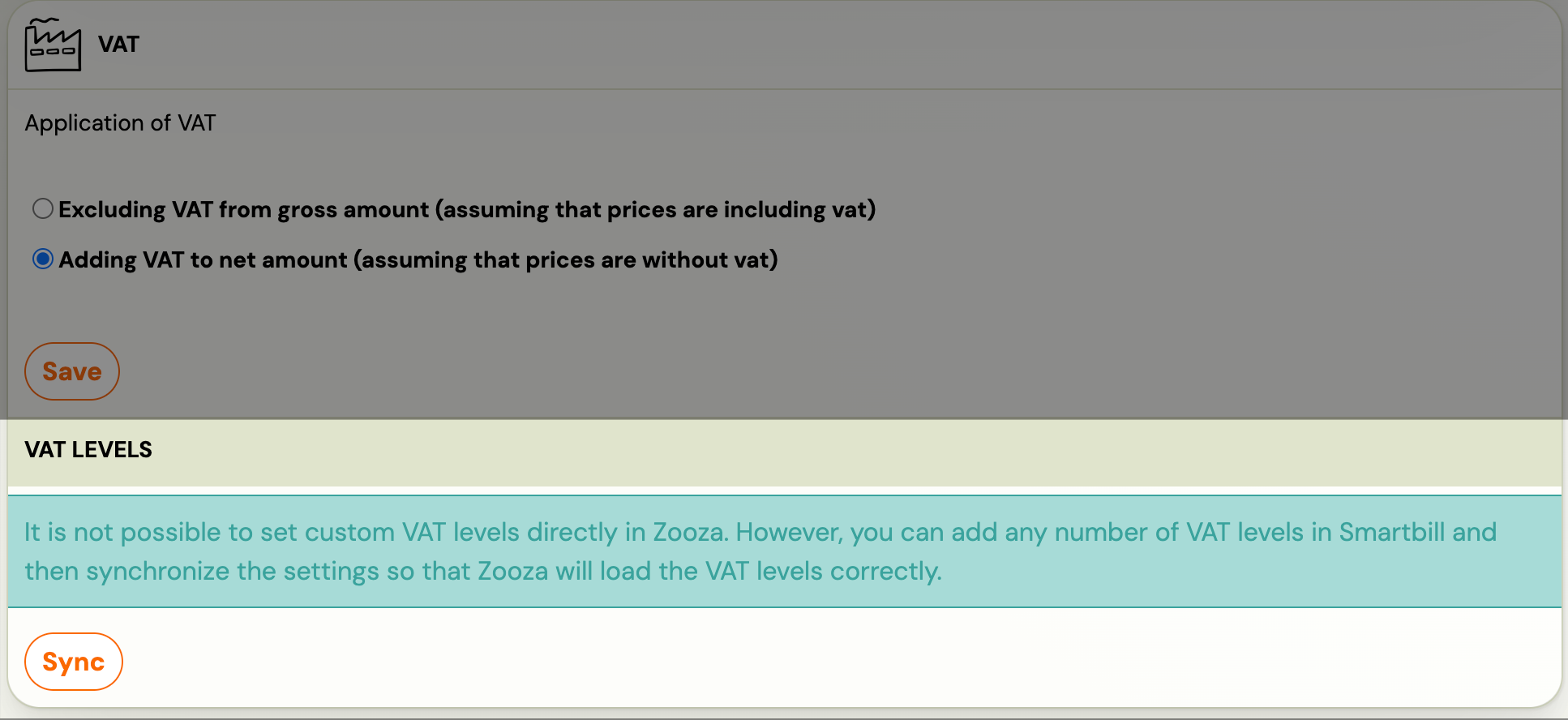
- VAT settings are pulled from SmartBill into Zooza.
- Changes made in SmartBill are not synced back to Zooza.
VAT setup
After connecting, sync VAT rates from SmartBill:
-
Go to Settings → Billing & Payments → scroll to VAT levels.
-
Click Synchronize to pull VAT rates from SmartBill.
Invoice series
Set the invoice number series in SmartBill, then select it in the Invoice Profile in Zooza:
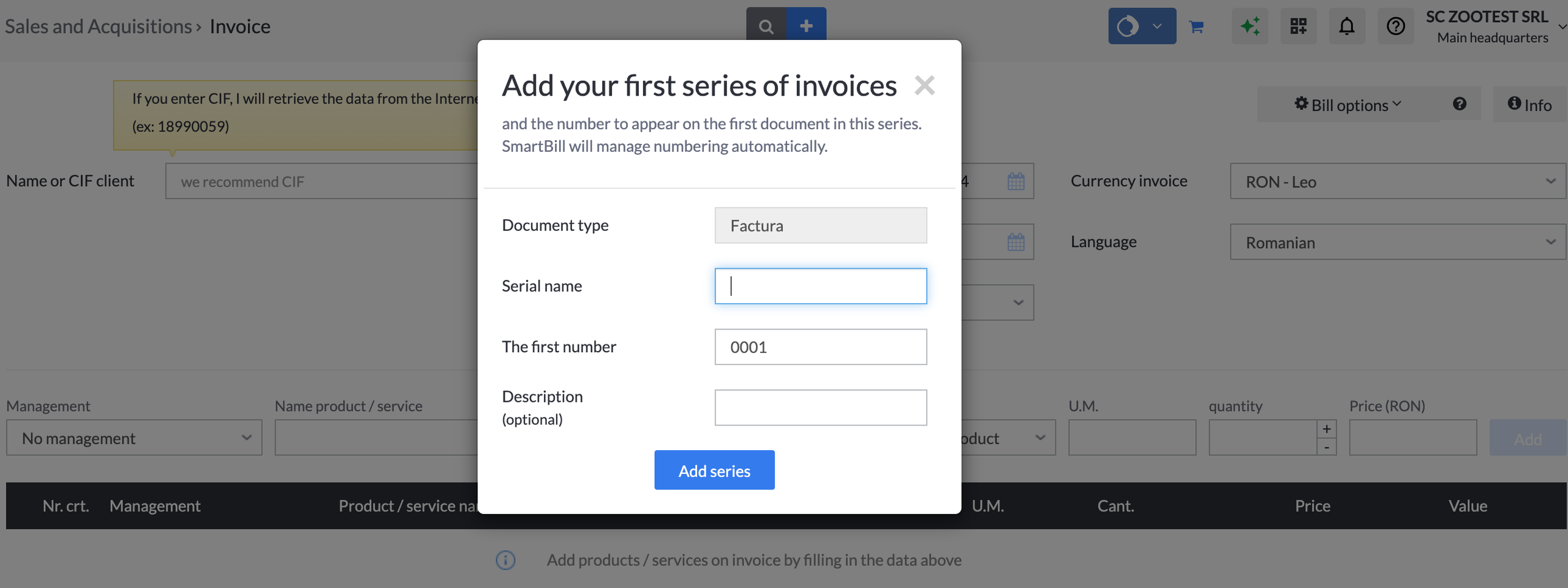
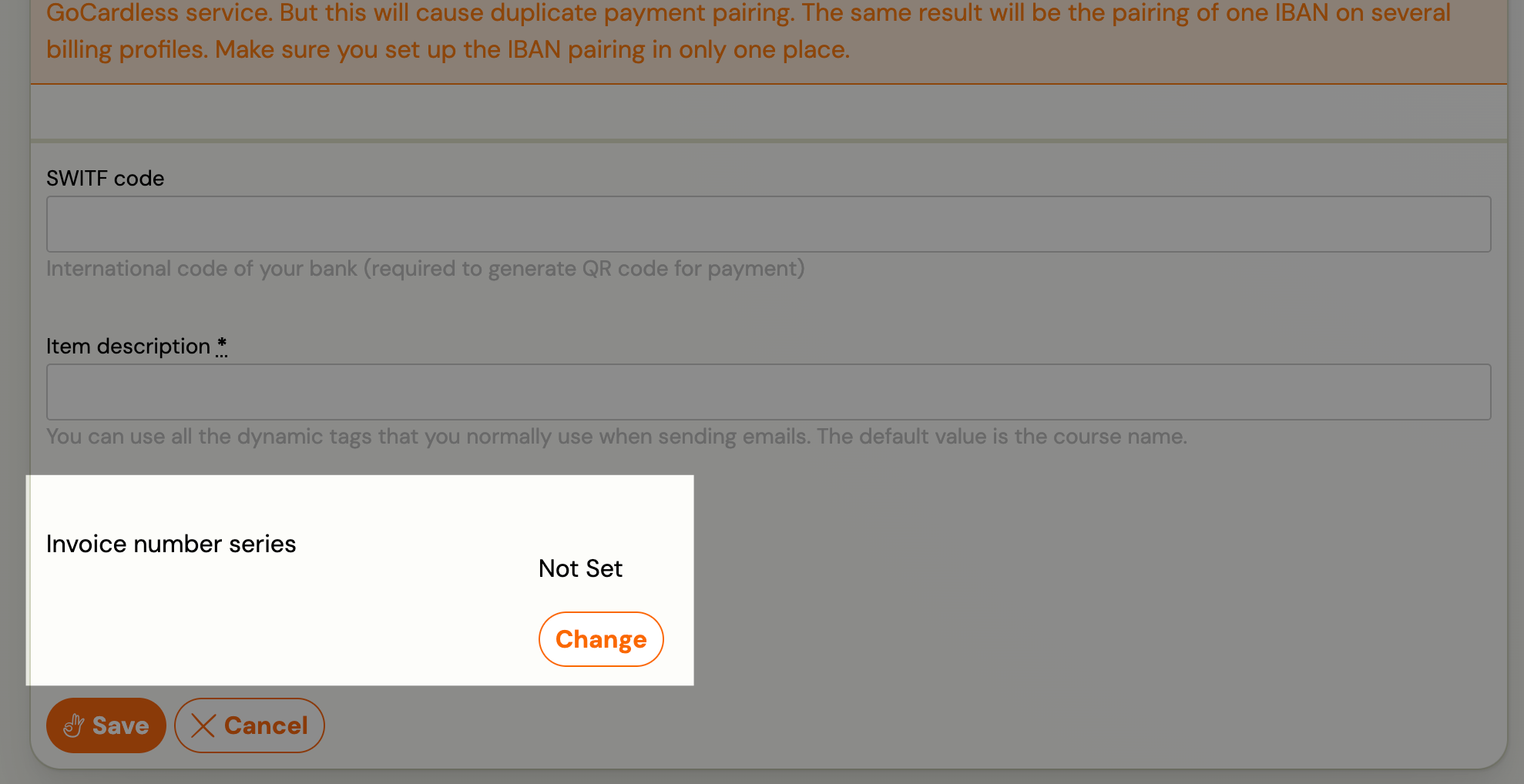
To number some invoices in a different SmartBill series — for example summer camps — add an extra invoice number series on the profile, pick the SmartBill series and assign the programmes to it. See Use several invoice number series on one invoice profile.
What works and what doesn't
| Feature | Status |
|---|---|
| Invoice creation | ✓ Automatic |
| PDF generation | ✓ Available after creation |
| VAT sync from SmartBill | ✓ Supported |
| Invoice numbering | ✓ Managed by SmartBill via series |
| Payment sync | ✗ Not supported — payments tracked in Zooza only |
| Credit notes | ✗ Not supported — issue in SmartBill directly |
| Editing invoices after creation | ✗ Edit in SmartBill — changes don't sync back |
Known issues
CIF mismatch — The CIF entered in Zooza must match your SmartBill account exactly. A mismatch will cause invoice creation to fail.
Invoice count limit — The number of invoices you can issue depends on your SmartBill subscription plan.
Related
- Invoicing overview — how invoice engines work
- Billing and invoicing — Invoice Profiles, auto/manual generation, multi-line
- VAT management — configuring VAT rates