Linked bookings
If you are an organisation that offers a wider range of programmes for children and are used to having siblings enrolled, or your clients are enthusiasts and attend multiple programmes on their own at once, there is a very useful functionality – linked bookings.
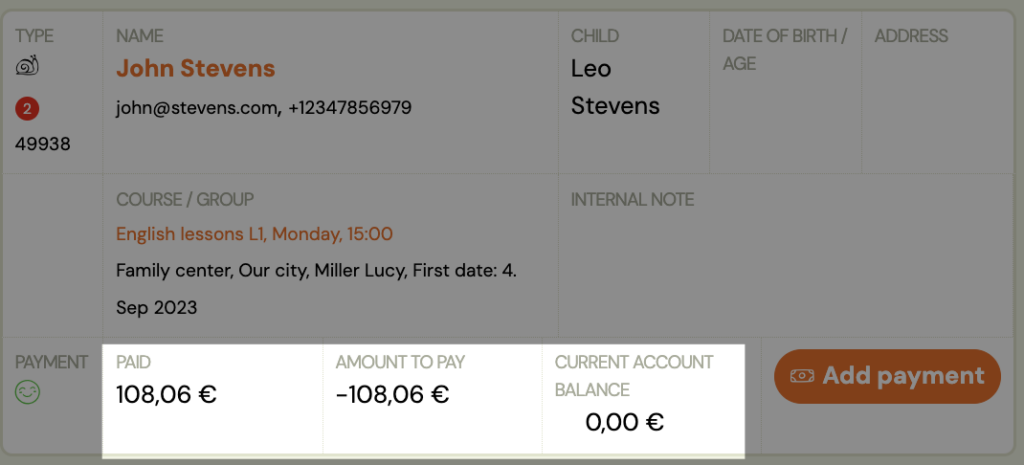
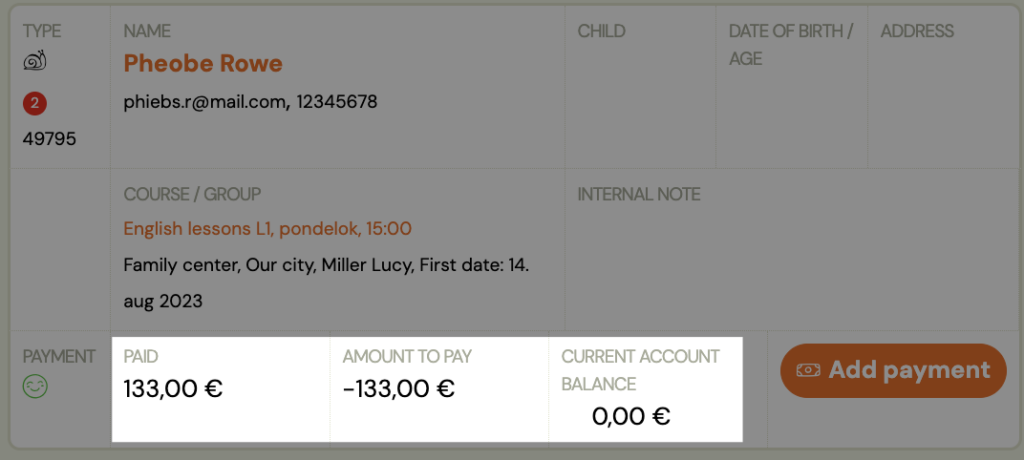
With linked bookings, you essentially bundle payments for two or more bookings. For example, if a parent has 2 children and they are both registered with you. Or if an adult client takes two programmes at the same time.
With linked bookings, you allow the client to make only one linked payment to one variable symbol and you can keep your payments in order.
How does it work?
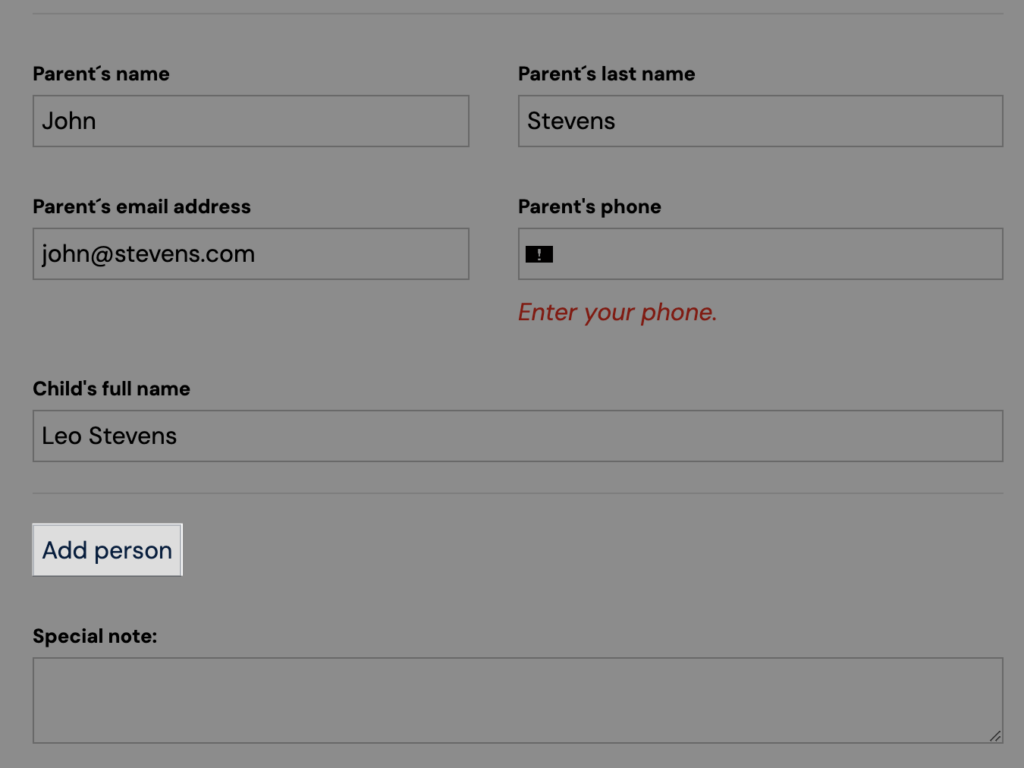
If the parent fills in the booking form fields for both children at the same time, i.e. uses the Add person option when filling in the booking form, the two bookings will automatically be linked and related. How to set up the Add Person option and where to set it to link payments automatically can be found in this manual.
However, if you register your children or yourself in two different classes/programmes and therefore fill in two booking forms, the system will not combine such bookings. However, you can pair them manually and they will continue to function as related.
Link related bookings
So let’s see how we can link related bookings and set up a common payment for them.
- Choose one of the bookings that you want to have as the main one (e.g. parent or older child, or simply one of the two), i.e. the one that will receive payments for both/all linked bookings.
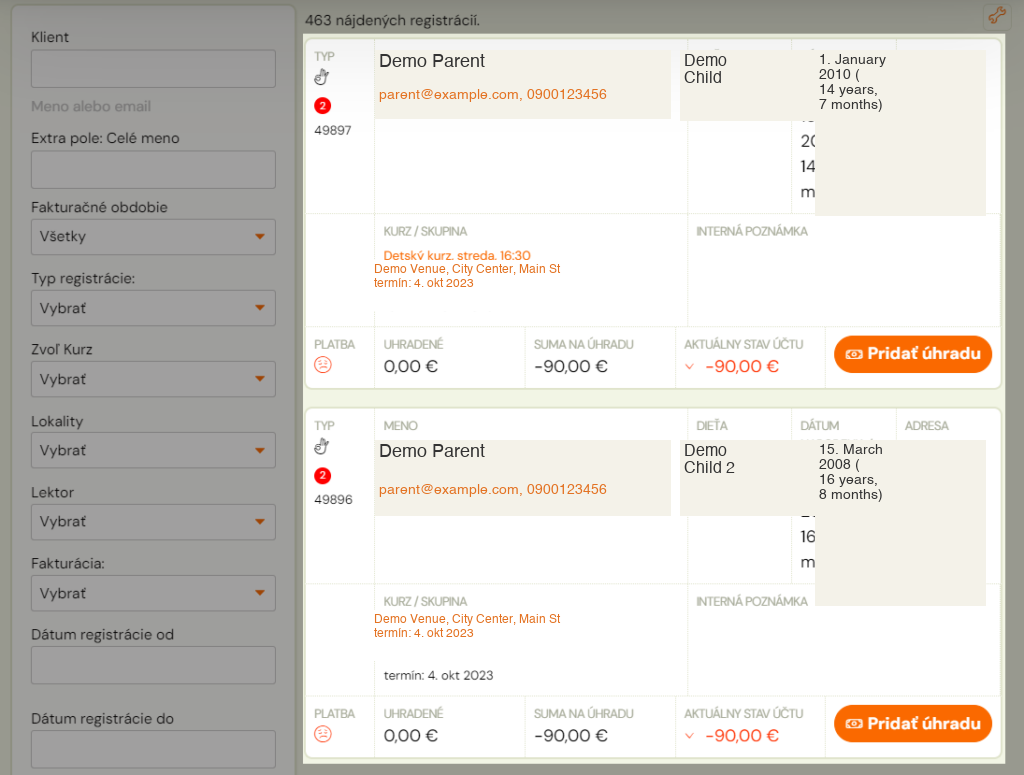
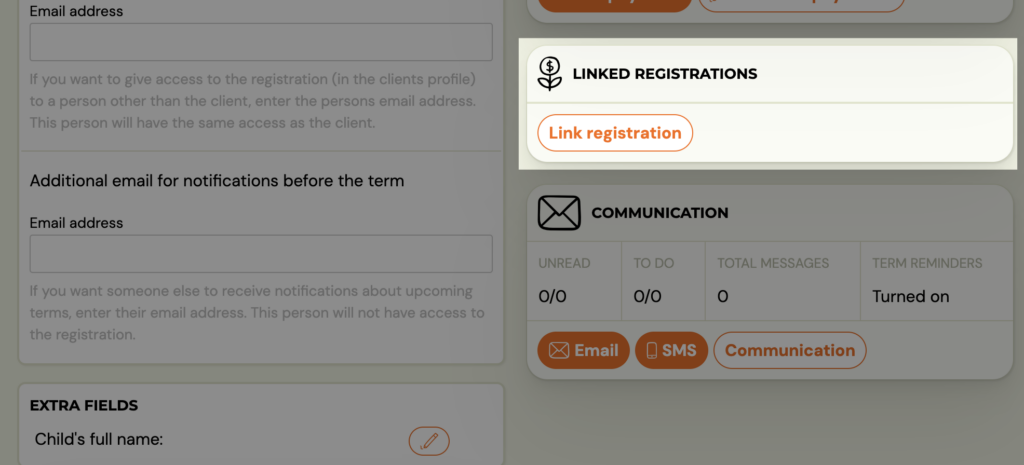
- On the booking card for that booking, you will find the Linked Bookings tile
- Click on Link booking
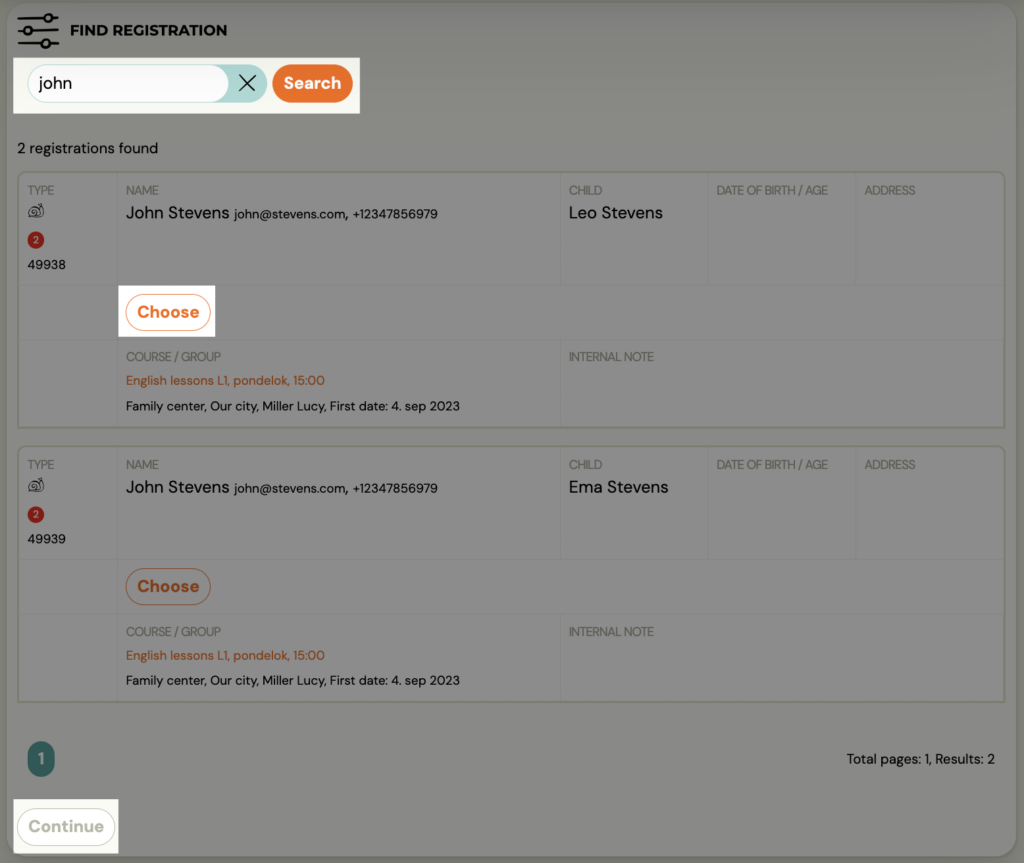
- Find the booking you want to link to this booking
- Confirm the selection with the Select button
- Click Continue
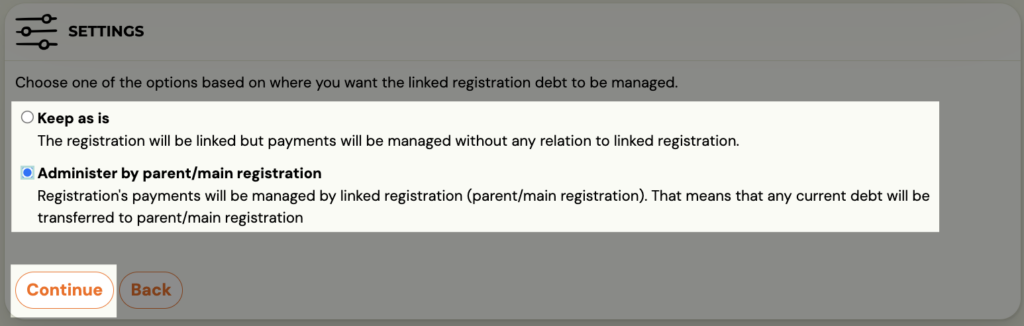
- Select one of the options for how you want to link the booking
- Leave as it is –link bookings but keep payments separate. Thanks to the link, you can quickly find your sibling’s booking, but the payments remain separate on each booking
- Manage parent/main booking – links booking together with payments. It creates a debt on the master booking in the sum of the values of the two or more linked bookings, and credits the linked bookings with the payment.
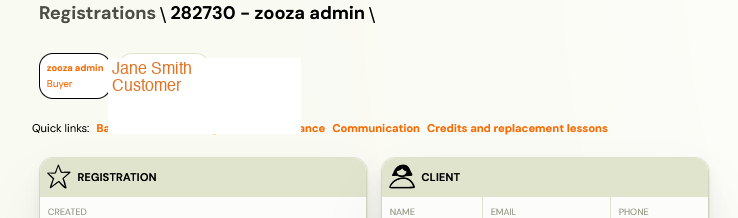
If we have chosen the second option, it will create a debt on the main booking in the sum of the values of both or more linked bookings, it will credit the linked bookings with the payment. Once successfully linked, each booking clearly indicates which is the main and which is linked, and you can easily switch between them.
The parent/client pays for both/multiple programmes only once using one variable symbol. They can see the payment information in their profile.