Invoices
The Invoices screen lists all generated invoices across your bookings. Use it to search, filter, download, and export invoices.
Navigation: Go to Sales & Payments → Invoices.
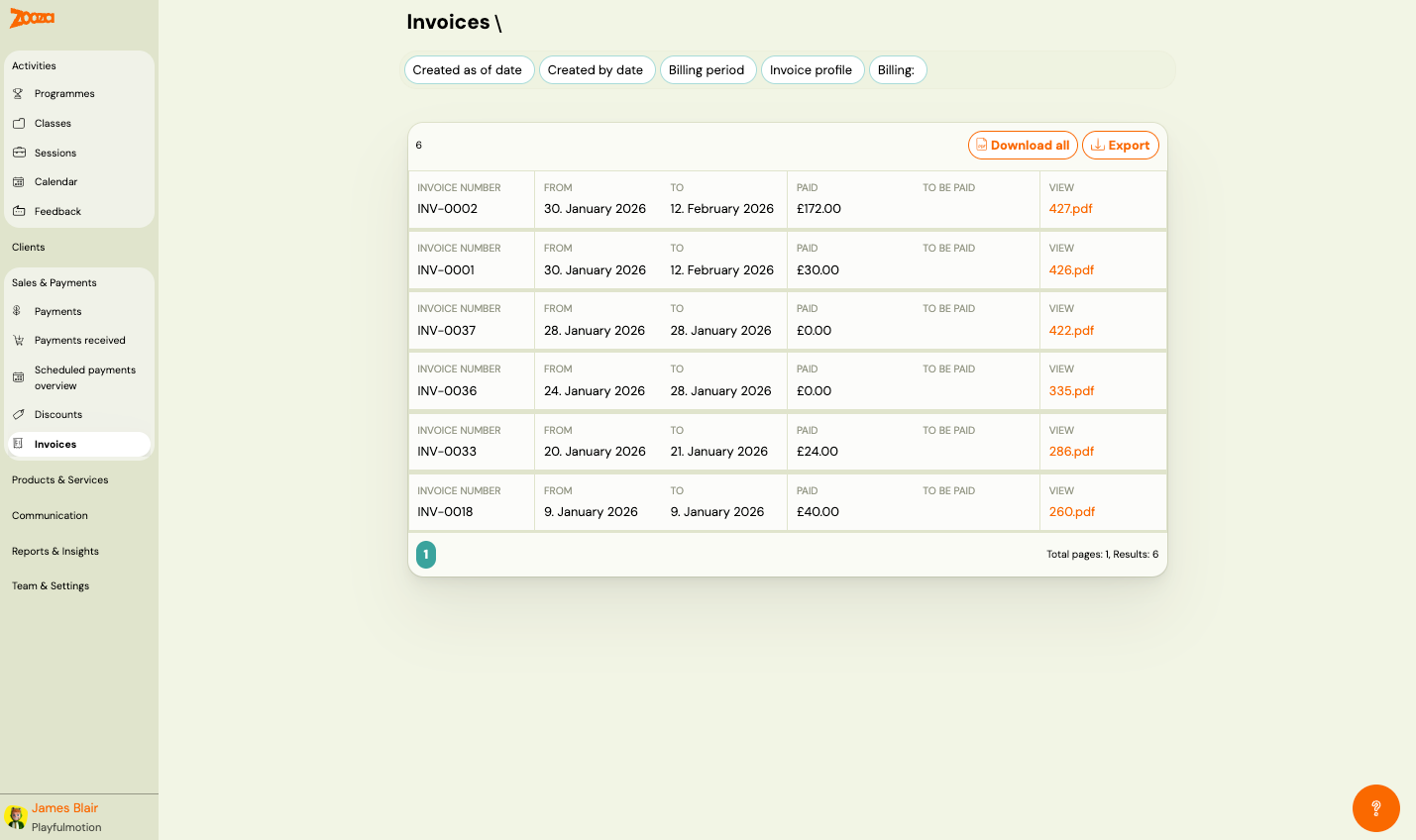
Filters
Use the filter bar at the top to narrow the list:
- Created as of date — filter by creation date.
- Created by date — filter by the date range when invoices were created.
- Billing period — filter by billing period.
- Invoice profile — filter by invoice profile/template.
- Billing — filter by billing status.
Top Actions
| Button | Description |
|---|---|
| Download all | Download all invoices as a batch (ZIP). |
| Export | Export the invoice list data. |
Invoice List
The header shows the total number of invoices.
Each row displays:
| Column | Description |
|---|---|
Invoice number | Unique invoice identifier (e.g. "INV-0002"). |
From | Invoice period start date. |
To | Invoice period end date. |
Paid | Amount paid on this invoice. |
To be paid | Remaining amount (empty if fully paid). |
View | Link to download the invoice PDF (e.g. "427.pdf"). |
Pagination shows total pages and results count.
Related
- Billing and invoicing — setting up billing profiles and invoice generation.
- Xero Integration Guide — how to connect Zooza with Xero for invoicing.
- Xero Invoicing FAQ — common questions about Xero integration.