Email Integrations
The Email Integrations screen connects Zooza with external email marketing platforms. Use it to sync your client contacts with Mailchimp or Ecomail for marketing campaigns.
Navigation: Go to Communication → Email Marketing Connections.
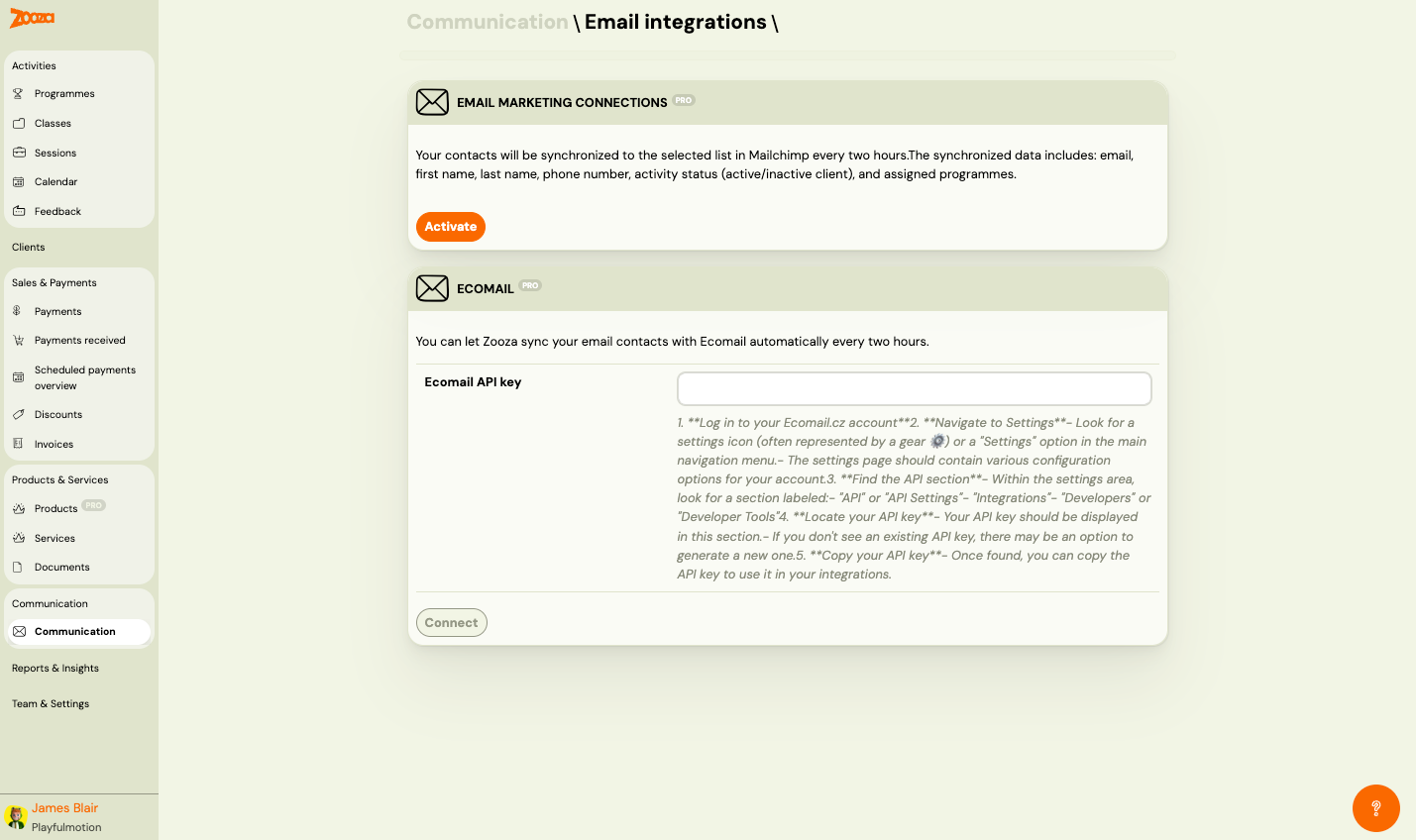
Email Marketing Connections (PRO)
Mailchimp
Syncs your contacts to a selected Mailchimp list every two hours. The synchronized data includes:
- First name
- Last name
- Phone number
- Activity status (active/inactive client)
- Assigned programmes
| Button | Description |
|---|---|
| Activate | Connect Zooza to your Mailchimp account. |
Ecomail (PRO)
Syncs your email contacts with Ecomail automatically every two hours.
| Field | Description |
|---|---|
Ecomail API key | Paste your Ecomail API key here. |
To find your Ecomail API key:
- Log in to your Ecomail.cz account.
- Go to Settings (gear icon or "Settings" in the navigation menu).
- Find the API section (labeled "API", "API Settings", "Integrations", "Developers", or "Developer Tools").
- Copy your API key from this section. If no key exists, generate a new one.
| Button | Description |
|---|---|
| Connect | Save the API key and connect Zooza to Ecomail. |
Related
- Communication — Communication menu overview.